📅 Check Availability and Reserve Machine
1️⃣ Making a reservation
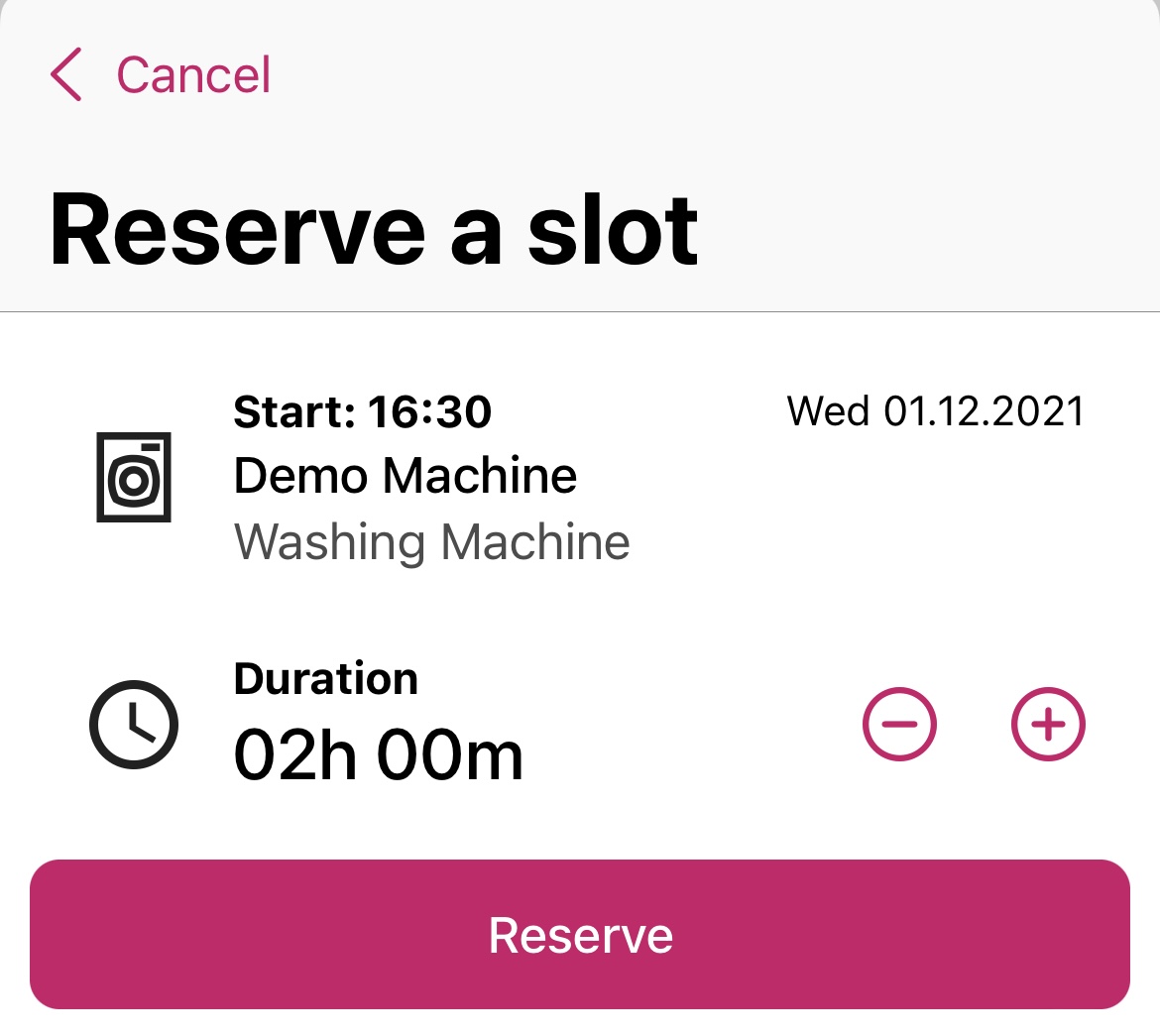
When the «📅 Calendar» function is activated by your operator, you will be able to reserve a machine under « Availability ». There you will see on which days slots are still available. Click on the available date you want and reserve a suitable time slot.
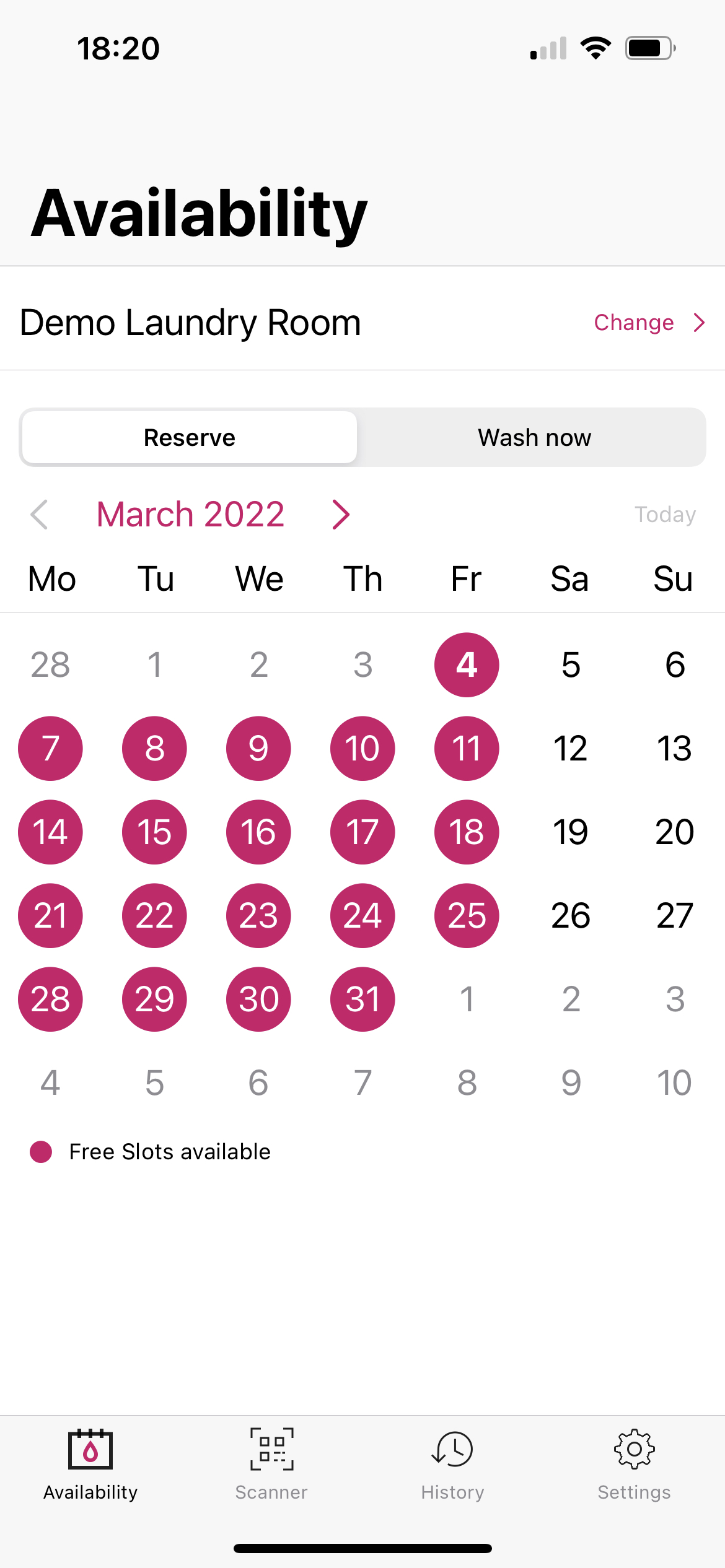
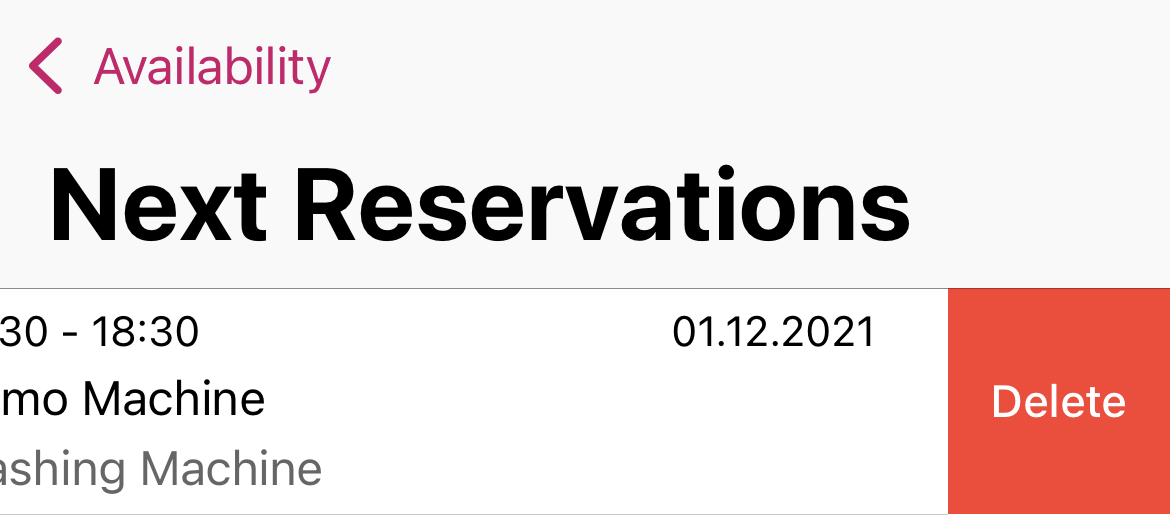
As soon as you have made a reservation, your reservation will appear under « Availability ». Click on « Your next reservation - display all » to see all your reservations.
There you can also delete reservations if you no longer require them.
Note
If your operator offers the push-message function, you will receive a reminder for your reservation beforehand.
2️⃣ Wash now
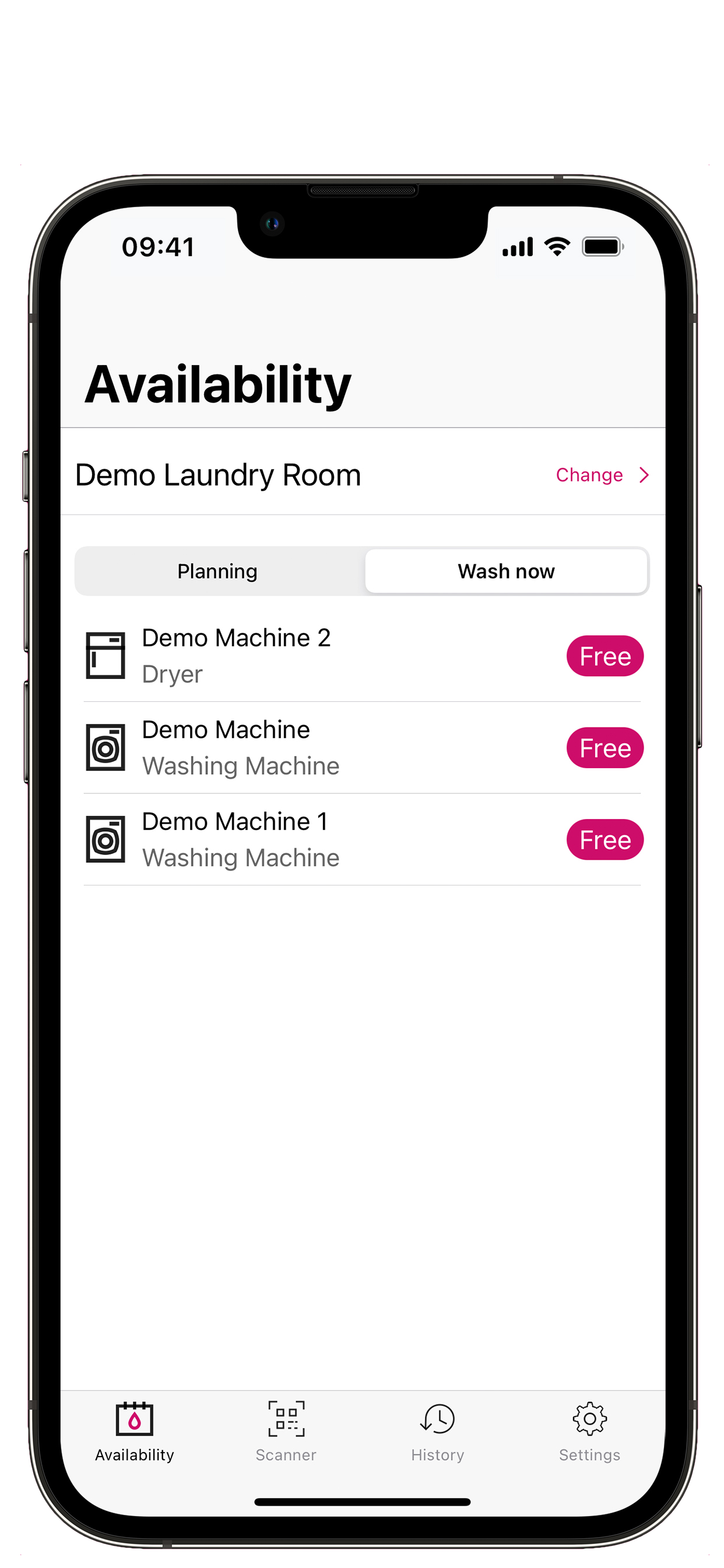
Under « Wash now », the machines which are available now are displayed so that you know which of them are currently available for washing or drying.
- Free: available for use.
- Not available: the machine is already being used.
- Your reservation: the machine is reserved for you.
3️⃣ Change laundry
If you have been assigned to several laundries, you can change the laundry by clicking on « Change » at the top right: